
Phishing is a scam where messages seem to come from trusted sources like banks or government, but they’re fake and designed to steal personal info, logins, or payment details.
Phishing is a type of scam where attackers send messages that appear to come from trusted organizations, such as banks, companies, or government agencies, to trick people into revealing personal information, login credentials, or payment details. Phishing is one of the most common entry points for identity theft and account takeover.
Phishing is not a single message or platform—it’s a mass-scale fraud technique designed to reach many people at once and exploit routine online behavior.
Rather than targeting one person individually, phishing campaigns send large volumes of messages that look legitimate. Even if only a small percentage of recipients respond, the scam can still be highly profitable.
This is why phishing consistently ranks among the most reported scam types tracked by consumer protection agencies.
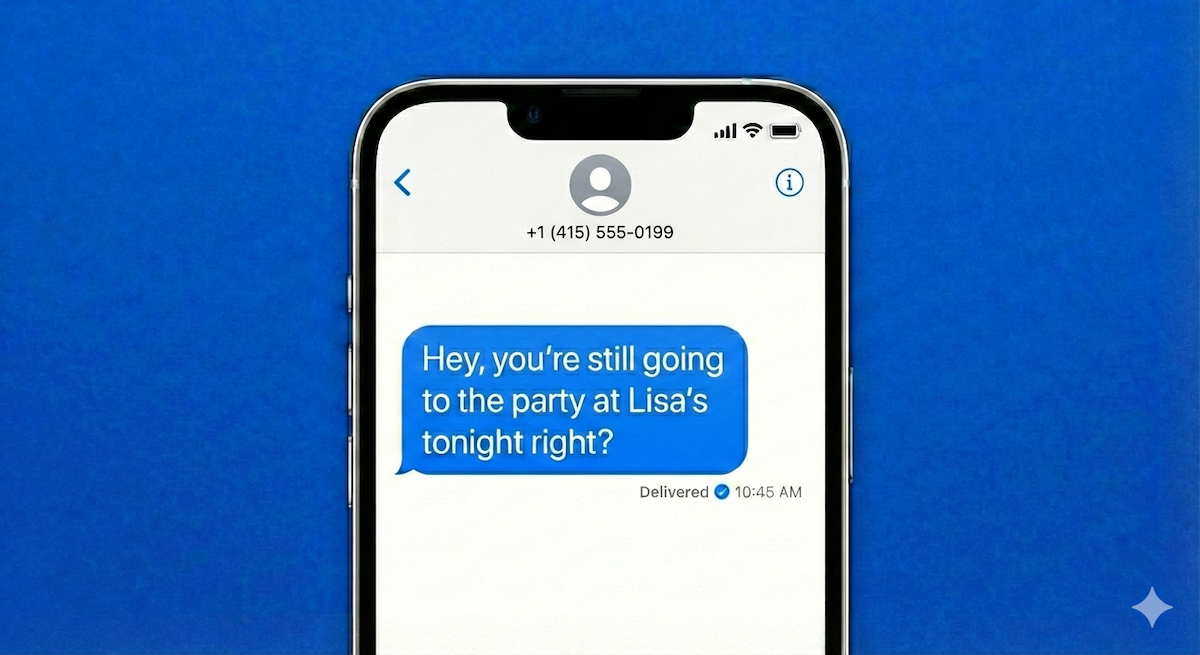
Phishing most often appears in everyday digital communication, especially email and text messages.
According to reporting from the FBI’s Internet Crime Complaint Center (IC3), phishing and spoofing are among the most frequently reported cybercrime complaints each year, affecting millions of people across all age groups. While individual losses may be small, phishing is a major driver of larger crimes like account takeover and payment fraud.
Common real-world phishing themes include:
These messages are designed to blend into normal digital life, which is why phishing remains so widespread.
Phishing remains one of the most widespread scam techniques because it is inexpensive, scalable, and easy to adapt to new situations.
Phishing is especially effective because it:
In recent years, phishing has also been accelerated by advances in automation and artificial intelligence. According to warnings from consumer protection agencies, scammers increasingly use AI tools to:
These tools don’t change the goal of phishing, but they can make phishing messages harder to distinguish from legitimate communication, especially at first glance.
Phishing appears in several well-recognized forms, including:
Phishing is often just the first step in a larger fraud chain.
Once information is stolen, it may be used for:
This is why phishing is closely linked to many downstream scam types.
A message may be phishing if it:
Phishing doesn’t rely on one red flag, it relies on blending in just enough to avoid scrutiny.
Effective phishing protection focuses on changing how you respond, not spotting every fake message.
If you entered information on a phishing site, change your passwords immediately and contact affected providers.
What is phishing?
Phishing is a scam where messages impersonate trusted organizations to steal personal, login, or financial information.
Is phishing only done by email?
No. Phishing can happen through email, text messages, fake websites, social media, and messaging apps.
Why is phishing so hard to stop?
Because it exploits routine online behavior and scales easily, allowing scammers to reach large numbers of people at low cost.
What should I do if I clicked a phishing link?
Change your passwords immediately, enable additional security where possible, and contact your bank or service provider if financial information was shared.
